When we say the arm learns a new task from demonstration, we mean something specific and technical. We do not mean the arm watches a person and copies the motion. We mean the operator physically guides the arm through the required positions while the system's perception pipeline records what it needs to reproduce that motion reliably in production. This article covers what the system records, what it does with that data, and where the teach session takes real effort versus where the system carries the load.
What the operator does and what the arm records simultaneously
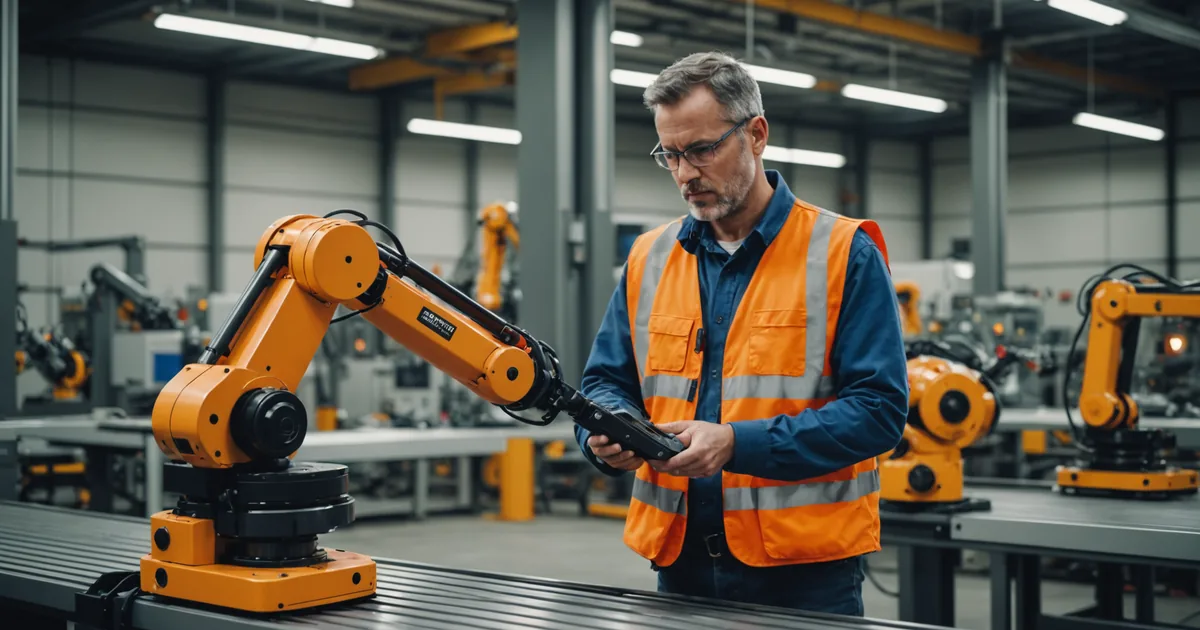
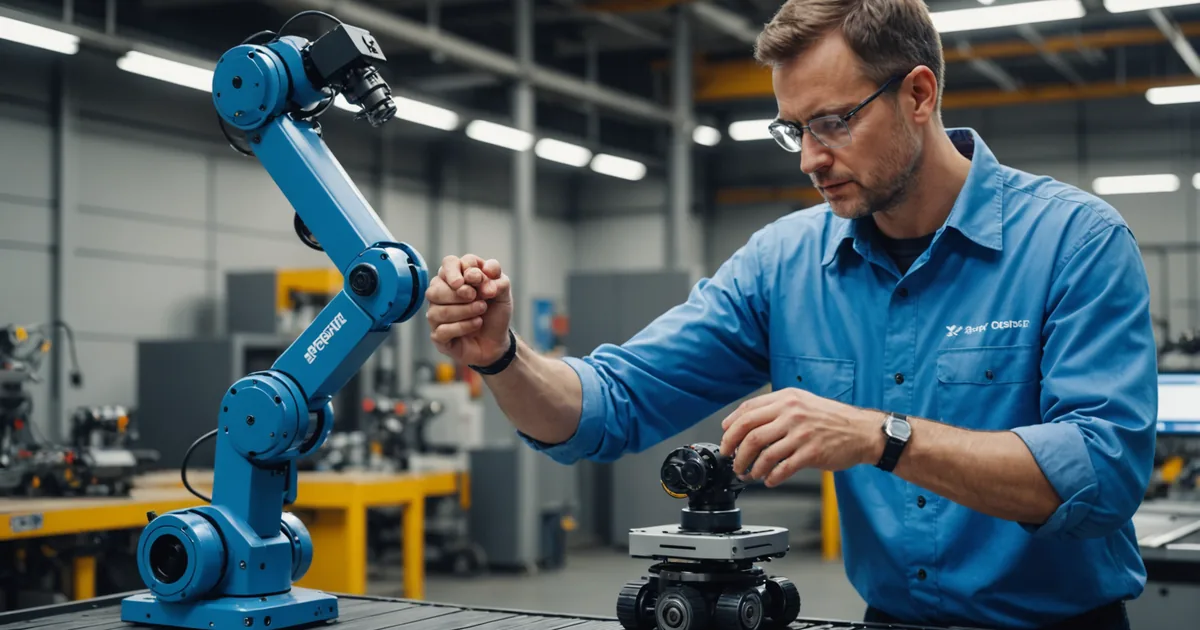
Visual teach mode puts the arm in a compliance state: the impedance control is set to low stiffness, and the arm follows the operator's applied forces without resistance. The arm does not move on its own. The operator guides it to each waypoint, holds it there momentarily, and confirms the waypoint with the control ring on the wrist mount.
While the operator is guiding, three things are recording simultaneously:
Joint-space configuration. At each confirmed waypoint, the system records the full joint angle vector: the position of all six joints that define the arm's pose at that point in space. This is the baseline motion record, the raw geometric specification of where the arm is at each waypoint.
End-effector pose relative to the detected object surface. The depth camera is active throughout the teach session and is continuously mapping the geometry of the work area. When the operator confirms a waypoint near a part or fixture surface, the system records not just the absolute joint configuration but also the end-effector's 6-DOF pose (position and orientation) relative to the nearest detected surface. This relative pose record is what allows the arm to adapt its approach in production when parts are not presented in exactly the same absolute position as during the teach session.
Contact geometry and approach vector. The force-torque sensor at the wrist records the contact force and torque at each waypoint where the gripper is near or touching a surface. This data informs the approach vector generation: the system fits a trajectory segment approaching the surface along the axis that minimizes lateral shear force, which improves grasp reliability on smooth or lightly textured part surfaces.
What the system generates from the teach data
After the last waypoint is confirmed, the system processes the teach data to generate the production task model. This is not simply a playback of the recorded joint angles. The processing involves several steps that convert the raw teach data into a trajectory that will work reliably across the variability present in production.
Trajectory interpolation between waypoints. The waypoints define the path; the trajectory between them is generated by the motion planner. For each segment between consecutive waypoints, the planner generates a smooth trajectory that satisfies the speed profile selected for that segment and respects the joint velocity and acceleration limits. The planner uses a cubic spline interpolation in joint space for most segments, and a Cartesian linear interpolation for the approach and departure segments near pick and place positions (to ensure predictable contact geometry).
Collision geometry sweep. The planner sweeps the generated trajectory through the station geometry as mapped by the depth camera during the teach session. Any approach path that comes within the collision margin of a detected static object is flagged. The operator reviews the flagged positions in the trajectory preview before confirming the task. In most cases, the collision flags indicate approach paths that need to be adjusted, either by modifying a waypoint or by reducing the speed on the flagged segment.
Part-relative approach adaptation. The system registers the recorded end-effector-to-surface pose at each pick and place waypoint as the reference pose for that operation. In production, before each pick, the depth camera runs a 40 to 80ms pose estimation pass to locate the part surface. The trajectory planner adjusts the approach path for the detected part pose, within a correction envelope defined during commissioning. If the detected part pose falls outside the correction envelope (the part has moved too far from its expected presentation range), the arm signals a "part out of range" fault rather than attempting to pick.
Where teach sessions take time and why
The physical part of a teach session for a simple 4-waypoint pick-and-place task takes 15 to 25 minutes for an operator who has done one or two sessions before. The time is not in guiding the arm to each position; that is fast. The time is in the confirmation steps, particularly for place waypoints with tight tolerances.
For a place waypoint into a fixture slot with a 2mm tolerance, the operator needs to guide the arm to a position where the gripper is aligned precisely with the slot, the depth camera preview confirms the alignment, and the approach vector is orthogonal to the slot face. Getting all three conditions right simultaneously for a first-time teach can require two or three positioning attempts per waypoint. Operators who have done several teach sessions develop an efficient technique for this, approaching the fixture slot slowly from above and using the camera preview to confirm alignment before lowering to the final position.
The collision geometry review and parameter tuning after the initial teach adds another 20 to 40 minutes to the session. This is not optional: the collision check needs to run, the operator needs to review any flags, and any speed adjustments or waypoint modifications need to be made before the confirmation cycle sequence starts. Skipping this step and going straight to confirmation cycles increases the chance of a collision geometry flag stopping the arm mid-cycle during the first confirmation run, which requires re-teaching the affected waypoint anyway.
What visual teach cannot do
It is worth being direct about the limits of visual teach, because the appropriate use cases depend on understanding them.
Visual teach works well for tasks where the motion structure is consistent: the arm goes to approximately the same positions every cycle, and the task's variability is within the correction envelope that the depth camera can handle. It does not work well for tasks where the motion structure varies substantially cycle to cycle based on sensor feedback, such as tasks requiring reactive path planning around moving obstacles or tasks requiring grasping parts in arbitrary orientations from unstructured bins.
The number of waypoints needed scales with the task complexity. Simple tasks use 3 to 5 waypoints. More complex tasks with intermediate orientation changes or multi-step placements may require 8 to 12 waypoints. Beyond about 12 waypoints, teach sessions become lengthy and the collision geometry sweep becomes complex enough that expert review during commissioning is advisable, not because the system cannot handle it, but because the interaction between multiple correction envelope regions and the trajectory planner is easier to validate with someone who has seen several complex tasks commissioned.
As with any robot task, the reliability of the production run depends on the quality of the teach session and the consistency of the production conditions relative to the teach conditions. A task taught under ideal conditions (perfect part presentation, clean fixtures, consistent lighting) will need additional testing and possibly additional waypoints if production conditions are more variable. Plan for that validation time in your commissioning schedule.
What operators report after their first session
The consistent feedback from operators who have done their first teach session is that guiding the arm is intuitive, but the waypoint confirmation discipline takes one or two sessions to develop. The most common first-session mistake is confirming a waypoint when the camera preview shows it is close but not quite right, on the assumption that "close enough" will work in production. It usually does not, because the correction envelope handles small variations but cannot correct for a fundamentally misaligned approach vector. The second teach session is almost always faster than the first because the operator knows what "confirmed" should look like before they save the waypoint.